Banner
Free shipping bar and announcement bar
Add a free shipping bar that tells each shopper how much more to spend, with a line that fills as the cart grows. Or show an announcement bar for a sale or news.
Coming soon to the Shopify App Store
See all 13 tools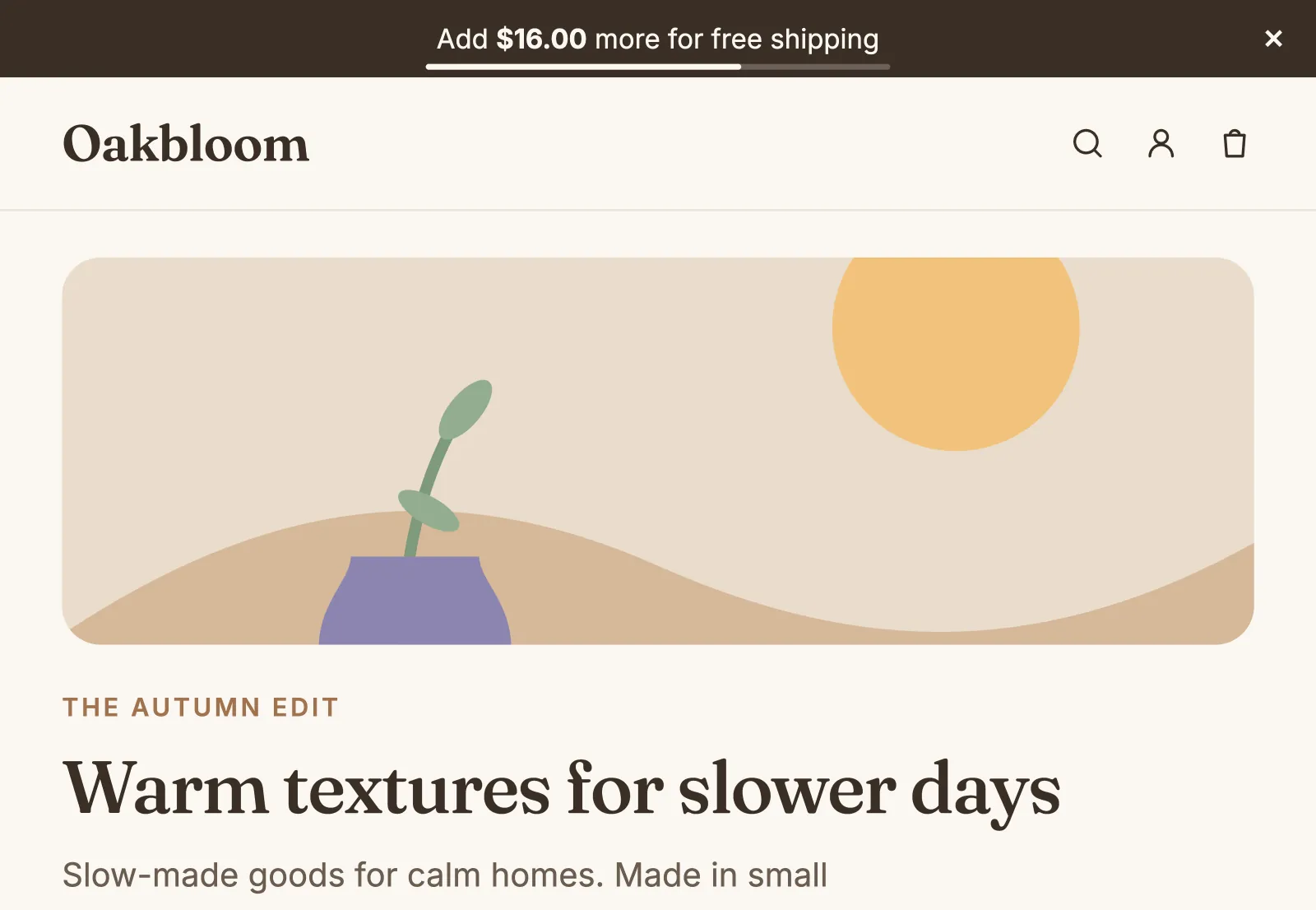
What it does
A goal that follows the cart
Set the cart total for free shipping. The bar shows how much more the shopper must spend, and it changes when they add to the cart or take something out.
In the shopper's currency
On a store that sells in more than one currency, the goal and the amount left show in the shopper's currency. You set the goal once, in your store's currency.
Messages, links and buttons
Write a message for a sale or for news, link it to a page, and add a button such as Shop now. You choose whether shoppers can close the bar.
Five styles, one that moves
Pick solid, gradient, outlined, a badge with a word such as "New", or a ticker: a scrolling announcement bar that stops while the mouse is over it. The colors start from your brand.
Your dates and your pages
Show a bar now or from a start date, with an end date if you want one. Show it on all pages, or only on the pages that you pick, such as one collection.
Stays in view or scrolls away
Choose whether the bar stays at the top of the screen or scrolls away with the page. When your theme's header sticks too, it sticks under the bar.
How to start
Turn on Banner
Install Super Useful, then turn on Banner on the app's Dashboard. Turn on the app embed once, in your theme editor: the Dashboard has a link to it.
Add a banner
Click Add banner. Choose Free shipping goal for a free shipping progress bar, or A message. For a goal, enter the cart total where your free shipping rate starts.
Choose the look and the dates
Pick a style, the dates and the pages, then save. Shoppers see the bar at the top of the store on those pages.
Questions
Does the free shipping bar give free shipping?
No. Your shipping rates in Shopify give it. Make sure that a free shipping rate starts at the same amount: the editor links to your shipping settings.
Does the amount left count discounts?
Yes. The bar uses the cart total after discounts, without shipping and taxes. That is the total that Shopify uses for free shipping rates.
Can I show a sale message and the free shipping goal at the same time?
Not on the same page at the same moment: the store shows one bar at a time. If two bars overlap, the editor warns you, and the bar that you save stays off. Give the bars different dates or pages, then choose when it shows.
Can I schedule a bar for a sale?
Yes. Choose Schedule it, and set the start and an optional end in your store's time zone. On a page that is open, the bar shows and goes away at those times.
More answers in the questions and answers.
Also in Super Useful
One app and one subscription. Turn on only the tools that you need.
Banner, and 12 more tools
All in one app for your Shopify store.
Coming soon to the Shopify App Store