Back-in-stock alerts
Back in stock alerts for sold-out products
Back in stock alerts let shoppers leave their email on a sold-out product in your store. The app emails each one when the product is back, with a link to it.
Coming soon to the Shopify App Store
See all 13 tools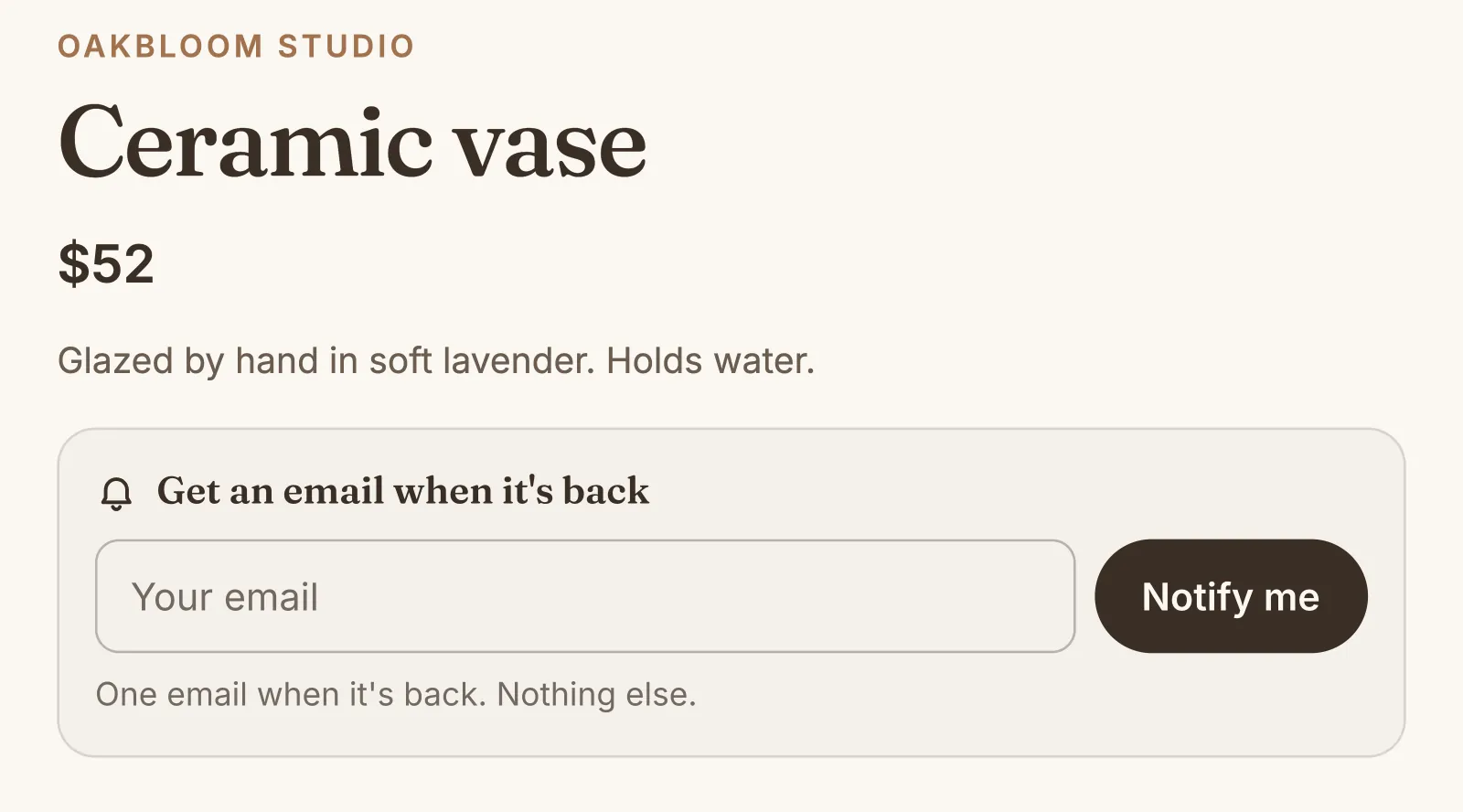
What it does
Notify me form on sold-out variants
The form shows only while the chosen size or color is sold out, in place of the greyed-out Sold out button or under it. Signed-in customers ask with one click.
One email when it is back
When the stock is back, everyone on the waitlist gets one email at the same time. It shows the product, its picture and its price, with a button that opens that variant.
Choose when the alert goes out
Send the restock alert when one unit is back, or wait for more, for example 5 units. Then one returned item does not start the alerts.
See what shoppers wait for
The Most wanted list shows the sold-out variants with the most shoppers waiting, so you know what to order again first. Export your requests as a CSV file.
Sales after the alerts
The page shows the sales of shoppers who buy the variant within 14 days of their alert. It also counts the requests and the alerts sent in the last 30 days.
Your words in the email
Write the subject, the heading, the message and the button, with the product's name in them. The email shows your store's name as the sender, with an unsubscribe link.
How to start
Turn on Back-in-stock alerts
Install Super Useful, then turn on Back-in-stock alerts on the app's Dashboard. Turn on the app embed once, in your theme editor: the Dashboard has a link to it.
Set up the alert
On the Back-in-stock alerts page, choose when the alerts go out and write the email. The form starts off: turn it on with its switch when you are ready.
Shoppers ask for an alert
Shoppers on a sold-out variant see the Notify me form at the buy buttons, with no change to your theme. When the stock is back, the alerts go out by themselves.
Questions
Does it work for each size and color?
Yes. Each variant has its own waitlist. The form follows the shopper's choice of variant, and the email opens the product page on that variant.
When does the back in stock email go out?
Soon after your online store can sell the variant again, with at least the number of units that you set (1 by default). The app counts the stock of all the locations that sell online.
Do shoppers who ask for an alert join my email list?
No. A guest who asks becomes a customer in your Shopify admin, with the tag back-in-stock, but not a subscriber to your marketing emails. Each alert has an unsubscribe link.
Can I keep the form off some products?
Yes. Add the tag no-back-in-stock to a product that will not come back. Its product page then shows no form.
More answers in the questions and answers.
Also in Super Useful
One app and one subscription. Turn on only the tools that you need.
Back-in-stock alerts, and 12 more tools
All in one app for your Shopify store.
Coming soon to the Shopify App Store